
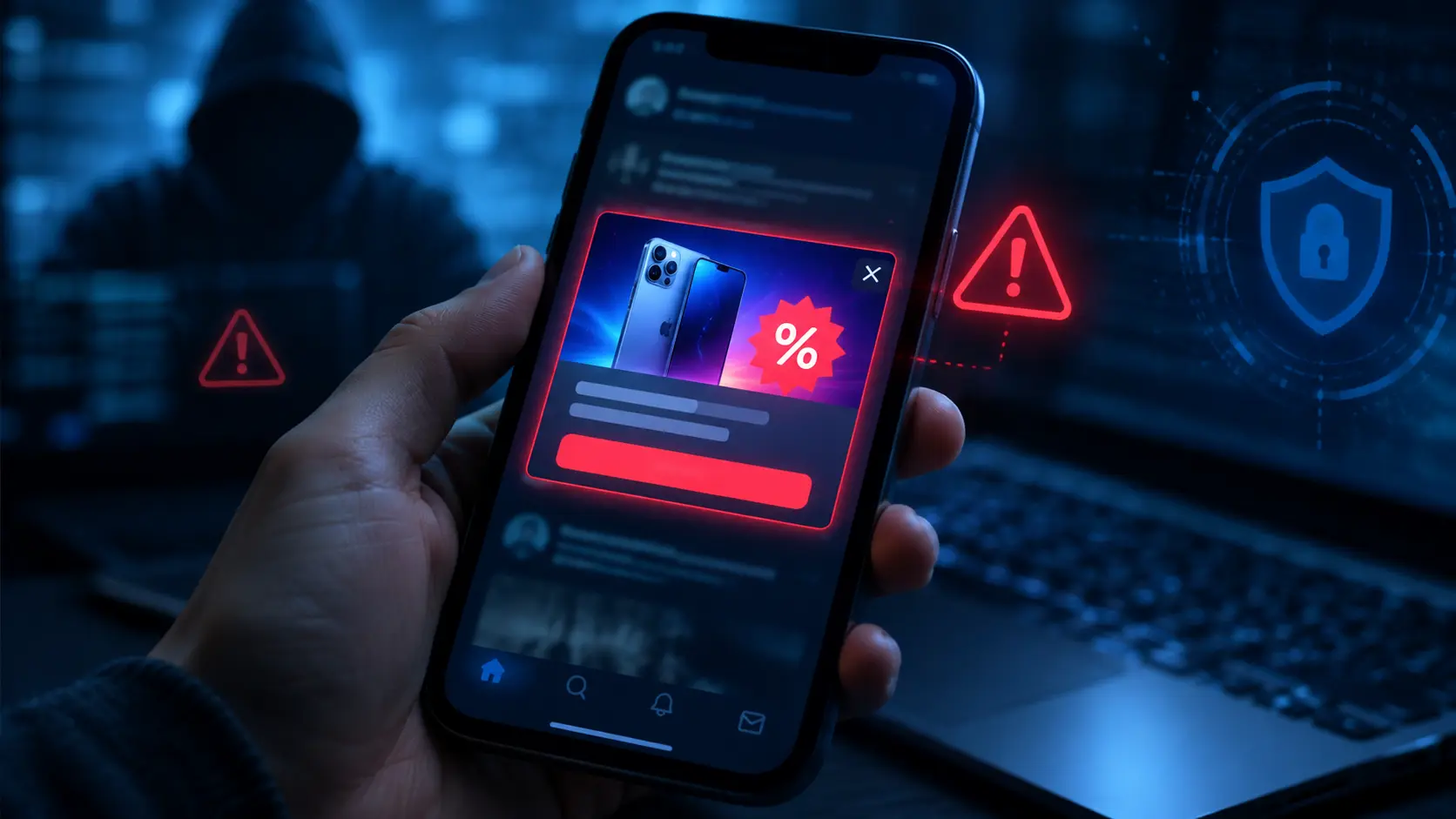
Pakistan’s National Cyber Emergency Response Team (National CERT) has warned about cybersecurity risks associated with malicious online advertisements that may exploit vulnerabilities in smartphones.
Unlike conventional scams that depend on users clicking suspicious links or downloading harmful files, some sophisticated attacks can exploit weaknesses in a device or its software when specially crafted content is displayed. Such attacks are possible, but they depend on the vulnerability involved and the device’s security protections.
The warning highlights the importance of keeping smartphones updated and taking precautions when browsing websites, using applications, and viewing online advertisements.
How Can a Malicious Advertisement Put Your Phone at Risk?
Online advertisements are commonly displayed across websites, mobile applications, and other digital platforms. While most ads are legitimate, attackers can sometimes abuse advertising systems or distribute malicious content to target users.
In certain cases, specially crafted content may exploit a vulnerability in a browser, operating system, or another software component. If the vulnerability allows code execution, an attacker may be able to compromise some functions of the affected device.
This type of attack can be particularly concerning when it requires little or no interaction from the victim.
However, simply seeing an advertisement does not automatically mean a phone has been hacked. The attack generally depends on the device having a relevant security weakness and the malicious content being able to exploit it.
What Is a Zero-Click Attack?
A zero-click attack is a cyberattack that can compromise a device without requiring the victim to click a link, open an attachment, or deliberately install an application.
These attacks may target vulnerabilities in software that automatically processes incoming content. Depending on the weakness involved, attackers may attempt to gain unauthorized access to data or device functions.
Zero-click attacks can be difficult for ordinary users to recognize because there may be no obvious warning or suspicious action.
Nevertheless, not every malicious advertisement uses a zero-click technique. Some attacks still depend on users clicking links, granting permissions, downloading applications, or entering sensitive information.
Understanding this distinction helps users take sensible precautions without assuming that every online advertisement poses an immediate threat.
Who Could Be at Risk?
The potential risk depends on the vulnerability, the affected software, and the security measures installed on a device.
Smartphones running outdated operating systems or browser versions may lack fixes for known vulnerabilities. Users who install applications from untrusted sources may also expose their devices to additional risks.
Both Android and iPhone users should take mobile security seriously. Neither platform should be assumed to be completely immune to sophisticated attacks.
However, the existence of a particular attack technique does not establish that every smartphone is vulnerable. Users should consult official security advisories for details about affected devices, software versions, and available fixes.
How to Protect Your Smartphone
Although users cannot prevent every sophisticated attack themselves, several practical measures can reduce common cybersecurity risks.
1. Keep Your Phone Updated
Install operating system and security updates as soon as they become available for your device.
Updates frequently address software vulnerabilities that attackers may attempt to exploit. Keeping browsers and other applications updated is equally important.
2. Update Your Web Browser
Browsers process content from websites and advertising networks, making their security important when browsing online.
Use a supported browser and install updates through your device’s official app store or the browser developer’s official update mechanism.
3. Avoid Untrusted Applications
Download applications from official app stores whenever possible. Before installing an application, review its developer, permissions, and available information.
Avoid installing unfamiliar application packages or following advertisements that direct you to unverified downloads.
4. Be Careful With Suspicious Links
Not every malicious campaign can be stopped by avoiding clicks, but suspicious links remain a common cybersecurity risk.
Do not enter passwords, banking information, or verification codes on websites you cannot verify. Be particularly cautious of messages and advertisements that create urgency or promise unrealistic rewards.
5. Review App Permissions
Check which applications can access your camera, microphone, location, contacts, and files.
Remove permissions that an application does not need for its intended purpose. Also uninstall applications that you no longer use or do not trust.
6. Use Built-In Security Features
Keep the security protections available in your phone’s operating system enabled. On Android devices, review Google Play Protect settings and use available security features.
On iPhones, install the latest supported iOS updates and avoid disabling important security protections without a clear reason.
These measures cannot guarantee protection against every advanced exploit, but they can help reduce exposure to common threats.
What Should You Do If You Suspect Your Phone Has Been Compromised?
An unexpected advertisement or a slow phone does not, by itself, prove that a device has been hacked. Battery drain, overheating, and unusual performance can have several causes.
If you suspect a security problem, take the following steps:
- Install available operating system and application updates.
- Remove unfamiliar applications and review recently granted permissions.
- Check for unusual account activity and security alerts.
- Change important account passwords from a trusted device if you suspect they have been exposed.
- Enable multifactor authentication for accounts that support it.
- Contact your device manufacturer or a qualified security professional if you observe signs of a serious compromise.
If banking applications or financial accounts may be affected, contact your bank through its official support channels and review recent transactions.
Avoid downloading unverified security applications advertised through pop-ups claiming that your phone is infected. Such messages may themselves be part of a scam.
Why Mobile Cybersecurity Awareness Matters
Smartphones now serve as gateways to personal communications, financial services, email accounts, photographs, and other sensitive information.
As mobile software becomes more complex, vulnerabilities can emerge in operating systems, browsers, applications, and the services that deliver online content.
Cybersecurity awareness therefore needs to go beyond avoiding suspicious links. Users should also maintain updated software, use trusted applications, secure their accounts, and pay attention to official security guidance.
National CERT’s warning is a reminder that digital threats can take different forms. At the same time, users should distinguish between a reported security risk and evidence that a particular device has actually been compromised.
Conclusion
Malicious advertisements can pose a cybersecurity risk when they exploit software vulnerabilities, and some advanced attacks may require little or no interaction from the user. However, simply viewing an advertisement does not mean a smartphone will automatically be hacked.
Keeping devices and browsers updated, avoiding untrusted downloads, reviewing application permissions, and securing online accounts can help users reduce their exposure to mobile threats.
Users should consult official National CERT advisories for verified details about the specific vulnerability, affected devices, and recommended protective measures.